Budgeting software refers to digital tools that help individuals and businesses create, manage, and monitor financial plans. For Canadians, these tools can automate expense tracking, sync with Canadian bank accounts, and assist with financial forecasting, offering a more efficient alternative to manual spreadsheets. The choice of software often depends on factors like preferred budgeting method, need for automation, and specific Canadian considerations such as multi-currency support and integration with local financial institutions. Understanding the features and limitations of different types of budgeting software is key to selecting a tool that aligns with your financial management goals.
Types and Methods of Budgeting Software
Budgeting software in Canada encompasses a range of tools designed for different user needs and financial philosophies. A primary distinction is between software intended for personal or household finance and platforms built for business financial planning and analysis. Personal finance apps often focus on tracking daily spending, syncing transaction data, and helping users achieve savings goals. Business budgeting software, such as Microsoft Dynamics 365 Business Central or QuickBooks Canada, is designed for more complex forecasting, departmental resource allocation, and integrating with accounting and ERP systems to support strategic decision-making. The core functionality of any budgeting software is to move beyond recording historical transactions, which is the domain of accounting software, and into the area of planning and managing future financial outcomes.
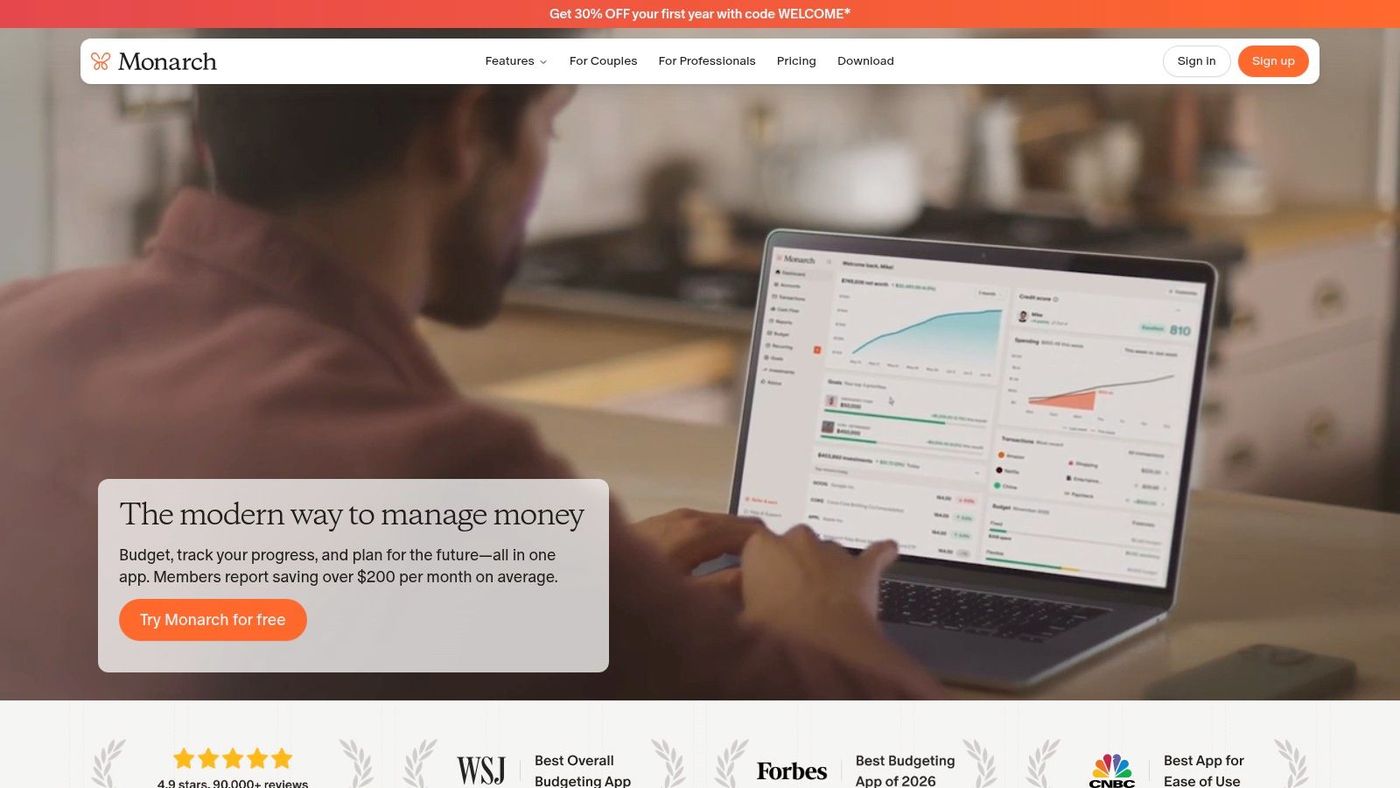
These tools also implement specific budgeting methodologies. The envelope budgeting method, which involves allocating cash to physical categories, has been digitized by apps like Goodbudget, which uses virtual envelopes for tracking. The zero-based budgeting approach, where every dollar of income is assigned a job such as expenses, savings, or goals, is the philosophy behind You Need A Budget (YNAB). Other platforms, like Monarch, offer a comprehensive, automated view of net worth by syncing bank, credit card, and investment accounts. For users preferring simplicity and full control, manual entry via spreadsheet software like Excel or using a no-frills app like Fudget remains a valid and private option, avoiding the need for bank account connections altogether.

Key Features and Functionality
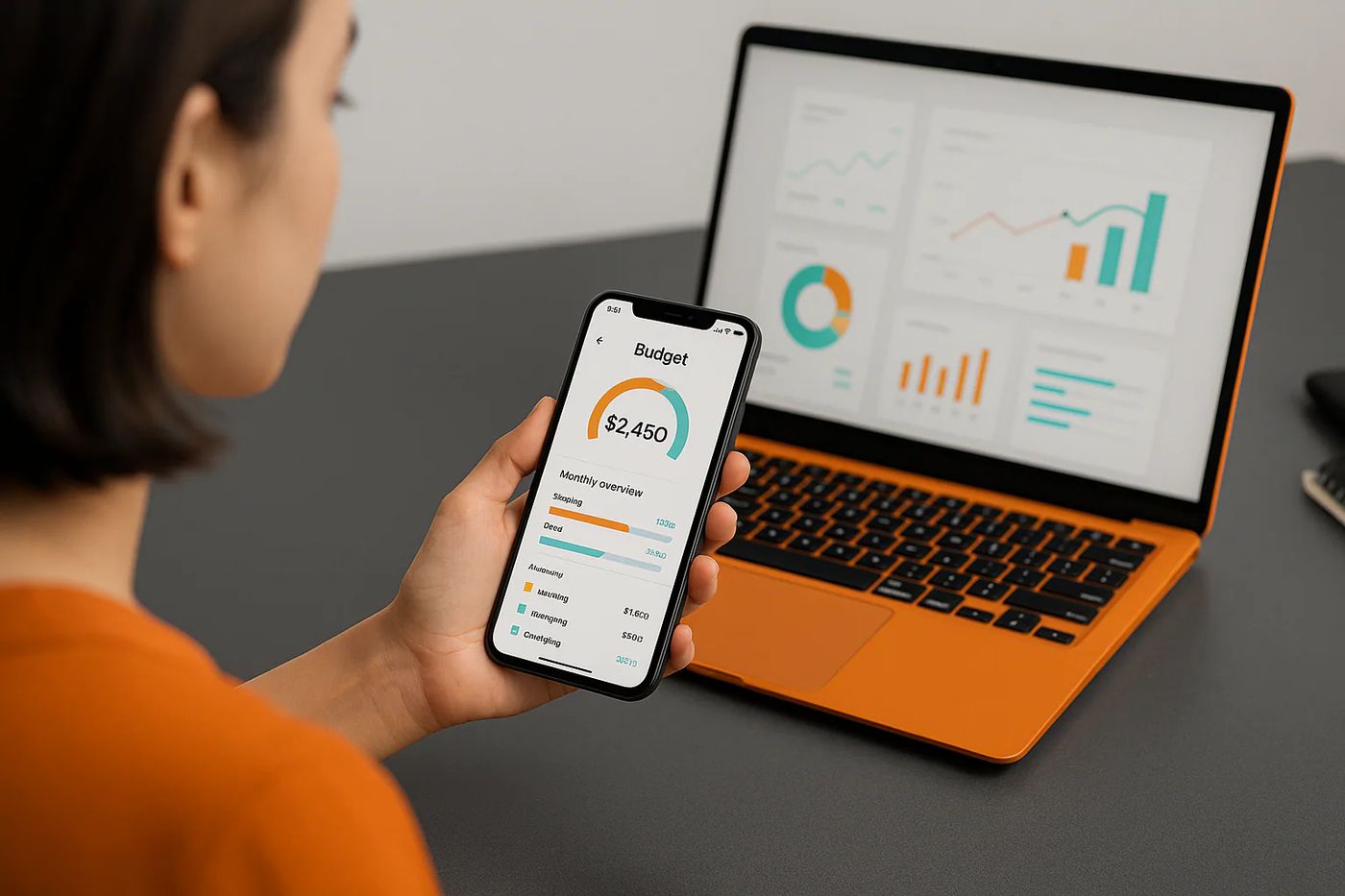
Modern budgeting software offers a suite of features aimed at simplifying money management. A central feature for many users is the ability to automatically sync and categorize transactions from connected financial accounts. This automation saves considerable time and effort compared to manual entry. To support this in Canada, software providers typically use data aggregation services like Plaid or Yodlee to establish connections with major Canadian financial institutions. Beyond transaction tracking, robust software provides tools for creating customized budgets based on weekly, bi-weekly, or monthly cycles, aligning with common Canadian pay schedules. Visualization is another key component, with apps generating reports and charts on spending trends, income, and progress toward financial goals, helping users clearly see the flow of their money.
Advanced functionality includes multi-currency support, which is valuable for Canadians who spend in both Canadian and US dollars or hold foreign accounts. Some apps, like PocketSmith, allow users to see all foreign currencies converted to CAD for a consolidated net worth view. Forecasting is a powerful feature found in more sophisticated tools, enabling users to project their cash flow months or even years into the future based on their current financial data. For businesses, integration capabilities are critical. Budgeting software may connect with existing accounting platforms, CRM systems, and banking APIs to centralize data. It is important to note that feature sets vary widely, from the basic expense tracking in free tools like Wave Financial to the advanced financial modelling and compliance features in enterprise-level solutions like Microsoft Dynamics 365 Business Central.
Specific Considerations for Canadian Users
Canadians using budgeting software face a unique set of considerations distinct from users in other countries. A primary technical challenge is the reliability of automated bank feeds. Many Canadian financial institutions have not fully embraced open banking, and some actively block aggregation attempts. This can lead to ongoing connectivity issues with services like Plaid and Yodlee, causing feeds to be unreliable or unavailable for certain banks. As a result, many software providers emphasize robust manual import options, allowing users to upload transaction files in formats like OFX, QIF, or CSV downloaded directly from their bank's website. This workaround provides control and consistency, though it requires a manual process.
Other local factors include support for the Canadian financial context. This includes transparent pricing in Canadian dollars to avoid surprise fluctuations from currency exchange, as offered by apps like Lunch Money. Software tailored for the Canadian market may also offer features designed around common Canadian banking practices and pay cycles. Furthermore, business-focused software must consider compliance with Canadian tax structures, including GST/HST. While the federal government is considering the implementation of open banking to improve data portability and security, as of 2026, Canada lags behind jurisdictions like the UK and Australia, meaning users must work within the current system of variable bank feed reliability.
Pros and Cons of Using Budgeting Apps
Budgeting software offers several general advantages that apply across most platforms. A significant pro is automation and time savings. By connecting financial accounts, the software can automatically import and categorize transactions, handle calculations, and update budgets in real time. This reduces the manual effort required to maintain financial records. Another benefit is improved awareness and control. Features like spending notifications, visual progress trackers, and detailed reports help users understand their habits and stay within planned limits. Some apps incorporate gamification elements, such as rewarding users for meeting savings goals, which can increase engagement and motivation to follow a financial plan. For businesses, the advantages extend to improved forecasting accuracy, streamlined collaboration across departments, and better resource allocation based on data-driven insights.
However, there are notable cons and risks to consider. A common limitation is that an app's predefined structure may not fit every user's unique financial situation, such as irregular income or specific pay cycles, forcing the user to adapt to the software's constraints. Security and privacy represent serious concerns. Linking bank accounts requires sharing login credentials, which may violate the terms of service of some financial institutions and could expose users to risk if the budgeting app's security is compromised. Even without linking accounts, users must consider how their personal financial data is collected, stored, and potentially shared. Additionally, some free apps support themselves through advertising or by promoting financial products like credit cards, which can be a distraction or conflict with a user's financial goals.
Security, Privacy, and Data Management
The security of your financial data is a paramount concern when using any budgeting software. When you connect your bank, credit card, and investment accounts to an app, you are typically providing your login credentials to a third-party data aggregator like Plaid. This practice can create vulnerabilities and, importantly, may breach the terms and conditions of your agreements with those financial institutions. If a security breach occurs and funds are lost or accounts are compromised, you could be held financially responsible because you disclosed your passwords. It is critical to read the fine print of both your banking agreements and the budgeting software's privacy policy to understand the risks and liabilities involved.
Privacy policies dictate how a software company collects, uses, and shares your personal and financial information. Some companies may use anonymized data for analytics or share data with marketing partners. For users uncomfortable with these risks, manual-entry options provide a more secure alternative. Using a spreadsheet or an app that does not connect to your accounts keeps your data offline and under your direct control. Alternatively, using a software's file upload feature to import bank statements manually avoids the need to share live login credentials while still leveraging the tool's budgeting features. Ultimately, the choice between convenience and security is a personal one that each Canadian user must weigh based on their comfort level and the sensitivity of their financial information.
Steps for Evaluating and Selecting Software
Choosing the right budgeting software requires a methodical evaluation of your needs against what different tools offer. The first step is to clearly define your primary goal, whether it is tracking daily personal spending, managing household finances with a partner, paying off debt, planning for retirement, or handling business financial forecasting. Next, determine your preferred budgeting methodology, such as zero-based or envelope budgeting, as this will narrow down the apps designed around that philosophy. You should also assess your technical comfort and desired level of involvement. Some users prefer a hands-off, automated system, while others want the detailed control of manual entry and categorization.
You must then investigate specific, practical considerations. Test the software's compatibility with your Canadian financial institutions to see if automatic syncing is available and reliable, or if you will need to rely on manual file uploads. Review the cost structure, looking for transparent pricing in Canadian dollars and understanding what features are included in free tiers versus paid subscriptions. Crucially, examine the security measures and privacy policy to know how your data will be protected and used. Many apps offer free trials, which provide an invaluable opportunity to test the user interface, feature set, and bank connectivity before making a financial commitment.
- Define your primary financial goal (e.g., debt repayment, business forecasting).
- Identify your preferred budgeting method (e.g., zero-based, envelope).
- Assess your need for automation versus manual control.
- Check compatibility and reliability with your specific Canadian banks.
- Review the cost and subscription model in Canadian dollars.
- Examine the software's security protocols and privacy policy.
- Utilize free trial periods to test functionality firsthand.
Comparison of Software Types and Examples
The available selection of budgeting software in Canada includes distinct categories, from simple personal trackers to comprehensive business planning platforms. The following table outlines key types, their primary users, and representative examples available to Canadians, based on information current for 2026. This comparison shows that the best tool depends entirely on the complexity of the user's financial life and their specific objectives. A freelancer might find FreshBooks sufficient, while a finance manager at a growing company may require the advanced capabilities of Business Central. For personal use, the choice often comes down to a user's philosophy on money management and their tolerance for manual data entry versus automated syncing with its associated connectivity issues in Canada.
| Software Type | Primary User | Example Platforms | Key Characteristic |
|---|---|---|---|
| Personal Finance & Budgeting Apps | Individuals & Households | YNAB, Monarch, Goodbudget, Lunch Money | Focus on spending tracking, goal setting, and syncing personal accounts. |
| Simplified Expense Trackers | Users seeking basic manual tracking | Fudget, Budgeting Spreadsheets | Minimalist design, no bank syncing, high privacy. |
| Integrated Spending & Card Apps | Users wanting an all-in-one tool | KOHO | Combines a prepaid Mastercard with real-time budgeting and savings features. |
| Comprehensive Personal Finance Software | Users wanting detailed forecasting & net worth | PocketSmith, Neontra | Offers long-term cash flow forecasting, multi-currency support, and investment tracking. |
| Free Financial Tools | Startups, microbusinesses, individuals | Wave Financial, Canada.ca Budget Planner | No-cost access to basic budgeting or accounting features. |
| Business Accounting & Budgeting Software | Small to Medium Businesses | QuickBooks Canada, FreshBooks | Integrates budgeting with full accounting, invoicing, and tax compliance. |
| Enterprise Business Planning | Mid-sized to Large Businesses | Microsoft Dynamics 365 Business Central | Advanced budgeting as part of an ERP platform for strategic financial management. |
Frequently asked questions
What is the best free budgeting software in Canada?
Several free options are available, each with different focuses. The Government of Canada offers a free Budget Planner on the Canada.ca website to create a customized budget in three steps. Wave Financial is a free Canadian accounting and invoicing platform that includes basic budgeting capabilities, suited for startups and microbusinesses. For individuals, using a spreadsheet program like Excel or Google Sheets with a custom template is a completely free and private method. Some dedicated budgeting apps also offer permanent free plans with limited features, though they may be supported by advertising.
Do budgeting apps work with all Canadian banks?
Budgeting apps that offer automatic syncing typically connect to Canadian banks through third-party data aggregators like Plaid or Yodlee. However, connectivity is not universal or always reliable. Some Canadian financial institutions block or intermittently disrupt these aggregation attempts, leading to feed outages. Due to Canada's lag in implementing open banking standards, reliable, sanctioned bank feeds are not yet the norm. Most software providers therefore also offer manual import options, allowing users to upload transaction files downloaded directly from their bank's website to maintain their budget.
Is it safe to connect my bank account to a budgeting app?
Connecting your bank account involves sharing your login credentials with a third-party service, which carries inherent security and privacy risks. This practice may also violate the terms of service of your financial institution, potentially leaving you liable for losses in the event of fraud. Safety depends on the security measures of both the budgeting app and the data aggregator it uses. Before connecting accounts, you should review the app's privacy policy and security protocols. For maximum safety, many users opt for manual entry or file uploads, which do not require sharing live login details.
What is the difference between budgeting software and accounting software?
Budgeting software and accounting software serve different primary purposes. Accounting software, like QuickBooks or Wave, is designed to record and report on past financial transactions, tracking income, expenses, assets, and liabilities for tax and bookkeeping purposes. Budgeting software, in contrast, is forward-looking. It is used for financial planning, creating spending plans, forecasting future cash flow, and setting financial goals. While some accounting platforms include basic budgeting modules, dedicated budgeting tools offer more advanced planning, scenario analysis, and long-term forecasting features.
Can I use budgeting software if I get paid weekly or have irregular income?
Yes, but the suitability depends on the specific software. A potential con of some apps is that they are designed around standard bi-weekly or monthly pay cycles and may not flexibly accommodate weekly or irregular income. However, many modern budgeting apps, such as Lunch Money and YNAB, allow users to set custom budgeting periods that can align with any pay schedule. The zero-based budgeting method, in particular, is well-suited for irregular income because it involves assigning every dollar of income to a job as it arrives, rather than relying on a predictable monthly salary.
Are there budgeting apps made specifically for Canadians?
Yes, there are budgeting apps and software built with Canadian users in mind. These are developed by Canadian companies or have features tailored to the Canadian financial context. Examples include Lunch Money, which is Canadian-built and offers pricing in CAD and support for Canadian bank syncing, and PocketSmith, which has served the Canadian market since 2008 with features like multi-currency support for CAD and USD. Additionally, major accounting software providers like QuickBooks and FreshBooks offer Canadian versions that handle GST/HST and comply with local tax requirements.
Sources and further reading
- Top budgeting apps for Canadians in 2026 bccpa.ca
- Budgeting Apps in Canada, Pros & Cons to Know nomoredebts.org
- Best Budgeting App for Canada lunchmoney.app
- Budgeting & Personal Finance Software for Canada pocketsmith.com
- Top 10 budgeting software in Canada for 2025 - Gestisoft gestisoft.com
This article explains how things work and is not financial, tax or legal advice. Rules, limits and rates change, so check the current figures with the Canada Revenue Agency, your province or your financial institution before you act.