Interac e-Transfer is a Canadian funds transfer service that enables individuals and businesses to send money directly between bank accounts. It is operated by Interac Corporation and is widely used across the country. The service allows users to send and receive funds using an email address or mobile phone number through their online or mobile banking platform. For many Canadians, it has become a primary method for settling personal debts, paying for goods, and transferring money quickly and securely.
What Is Interac e-Transfer
Interac e-Transfer is a domestic electronic funds transfer service available in Canada. It facilitates the movement of money between personal and business accounts held at participating Canadian financial institutions. The service was originally launched in 2003 under the name Interac Email Money Transfer, often abbreviated as EMT. From its inception until early 2018, the service was provided by Acxsys, a for-profit consortium licensed to use the Interac brand. In February 2018, the operations of Acxsys and the nonprofit Interac Association were merged into a single for-profit corporation named Interac Corporation, which now operates the service. The platform is deeply integrated into the online and mobile banking systems of most major Canadian banks and credit unions, making it a ubiquitous payment tool for everyday transactions.
How the Transfer Process Works
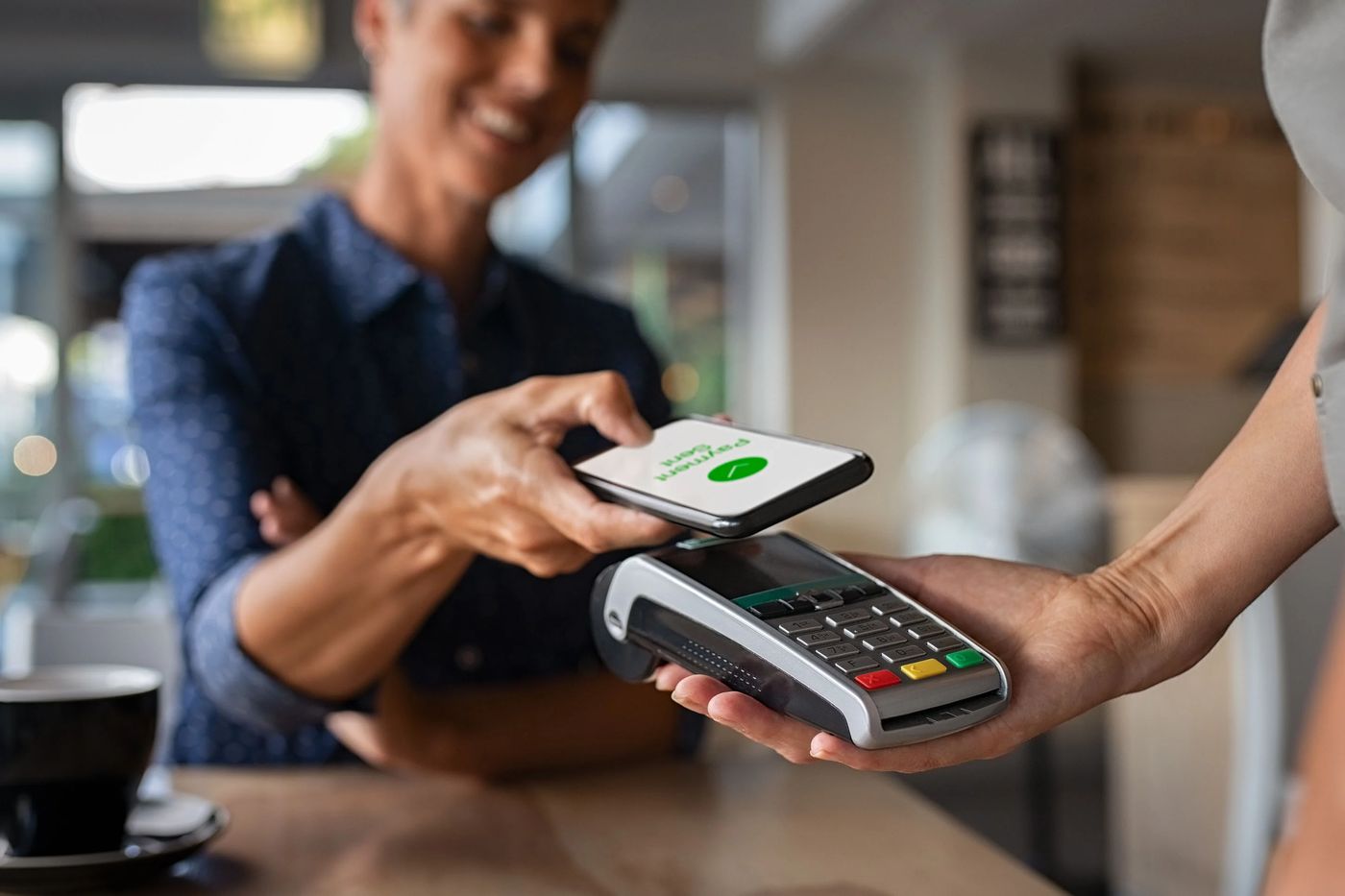
The Interac e-Transfer process is designed to be straightforward for both senders and recipients. It functions similarly to an electronic cheque, where instructions are sent electronically, but the actual funds move securely between bank accounts. To initiate a transfer, the sender logs into their online banking or mobile app and goes to the Interac e-Transfer section. They select a recipient from their contacts or enter a new email address or mobile number, specify the amount to send, and choose a security question and answer. The funds are immediately debited from the sender's account, typically incurring a fee unless the sender's account plan includes free transfers. The sender must then communicate the security answer to the recipient through a separate channel if it is not something the recipient would already know.
An email or text message notification is automatically sent to the recipient containing a link to a secure website where they can claim the funds. The recipient must answer the security question correctly to complete the deposit. If the answer is incorrect after three attempts, the transfer is automatically cancelled, and the funds are returned to the sender. If the recipient banks with a participating institution and uses online banking, the deposit is instantaneous and usually free. If the recipient's account is not at a participating institution or they do not use online banking, the funds are deposited within three to five business days, and a fee is deducted from the received amount.
For added convenience, the Autodeposit feature allows recipients to bypass the security question entirely. Recipients must proactively register an email address or phone number for Autodeposit within their own bank's settings. Once enabled, any e-Transfer sent to that registered contact method is deposited automatically into the designated account. Not all financial institutions support Autodeposit, so availability varies. Unclaimed transfers expire after a set period, which depends on the sender's bank. Some institutions cancel unclaimed transfers after 24 hours, while others, like TD, CIBC, and RBC, allow a period of up to 30 days before the transfer is automatically cancelled and the funds are returned.
Participating Financial Institutions
Interac e-Transfer is supported by a vast network of Canadian financial institutions, encompassing the majority of banked Canadians. Most personal deposit account holders who use online banking can send funds through the service. The list of participating institutions includes all of Canada's largest banks, known as the Big Five: Bank of Montreal, Scotiabank, CIBC, RBC, and TD. Other major participants are Desjardins, Tangerine, National Bank, Simplii Financial, PC Financial, and EQ Bank. Additionally, numerous credit unions and smaller financial institutions are part of the network. Any personal account holder in Canada can receive an Interac e-Transfer, even if their institution is not a direct participant, though non-participants may face delays and fees. In 2015, the scale of the service was demonstrated by 105 million transfers totalling over 44 billion dollars in value.
Key Features and Functionality
Beyond basic sending and receiving, Interac e-Transfer includes several features that enhance its utility. The Request Money function allows a user to proactively send a payment request to a contact. The recipient receives a notification and can fulfill the request directly through their own online banking, often with a fee charged to the requester upon acceptance. Scheduled and recurring payments enable users to plan transfers in advance, such as for regular rent payments. The one-time contact feature helps keep contact lists clean by allowing a sender to send money to an email or phone number without permanently saving it in their banking profile. For international needs, Interac e-Transfer for international sends is available through certain providers, like National Bank, though with additional restrictions and currency exchange considerations.
- Autodeposit: Enables automatic deposit without a security question.
- Request Money: Send payment requests to contacts.
- Scheduled Payments: Set future or recurring transfer dates.
- One-Time Contact: Send without saving contact details.
- International Transfers: Available through select institutions.
- Stop Payment: Ability to cancel a sent transfer if not yet deposited (fee may apply).
The service is designed for Canadian dollar accounts held within Canada. Transaction limits are set by individual financial institutions. For example, RBC sets a daily send limit of $10,000 through its mobile app after identity verification, and this limit is fixed. Fees for sending or requesting money vary widely depending on the user's specific bank account plan. Requesting money often incurs a fee for the requester when the money is deposited, such as the $1.50 fee noted by CIBC.
Security, Risks, and Debates
Interac e-Transfer employs several security measures, but it has also been the subject of scrutiny regarding vulnerabilities. The primary security mechanism is the custom security question and answer, which the recipient must provide to claim funds. However, this method has been criticized as potentially weak if the question is too simple or the answer is easily guessed or discovered through social engineering. The Autodeposit feature is considered more secure as it eliminates the need for the question-and-answer step and ensures funds go directly to the pre-registered account. Financial institutions and Interac emphasize that the service uses multiple layers of security within banking platforms and that customers are protected by fraud reimbursement guarantees, such as RBC's promise to fully reimburse unauthorized transactions.
Despite these assurances, security incidents have been reported. In 2019, CBC News reported cases where e-Transfers were intercepted or redirected through methods like guessing security questions or impersonating customers, with some victims not being reimbursed. An academic paper published the same year concluded that standard e-Transfers are potentially insecure against redirections and that the platform fails to adequately protect customer privacy due to its reliance on email and SMS, which are less secure channels. These reports highlight the ongoing debate about the balance between convenience and security in popular payment systems. Users are advised to use strong, unique security questions and answers, enable Autodeposit where possible, and be vigilant against phishing attempts that mimic Interac notification emails.
Fees and Transaction Limits
Fees for using Interac e-Transfer are not set by Interac Corporation but are determined independently by each participating financial institution. The cost structure typically depends on the type of bank account the sender holds. Many premium chequing accounts include a certain number of free transfers per month or unlimited free transfers. There is usually no fee for receiving a transfer if the recipient uses online banking at a participating institution. However, if the recipient does not use online banking or banks with a non-participating institution, a fee may be deducted from the received amount. The Request Money feature also commonly incurs a fee for the person making the request once the money is deposited. Stopping a payment on a sent e-Transfer is possible if the recipient has not yet deposited it, but this service usually carries a fee, such as $3.50.
| Fee Type | Typical Charge | Notes |
|---|---|---|
| Receiving an e-Transfer (non-participating bank) | $4.00 | Deducted from the received amount. |
| Requesting Money | $1.50 | Charged to requester upon deposit of funds. |
| Stop Payment | $3.50 | Fee applies if stop request is successful. |
Daily and per-transaction limits are also set by individual banks. These limits are in place for security reasons and can often be viewed within a customer's online banking profile under daily transaction limits. For instance, RBC's standard daily limit for sending via mobile app is $10,000 after identity verification. Limits can vary significantly between institutions and even between different account types within the same bank. It is important for users to check with their own financial institution to understand their specific fees, limits, and the features available to them, such as Autodeposit or international sending.
Comparison with Other Payment Methods
Interac e-Transfer occupies a unique space in the Canadian payments landscape, offering distinct advantages and disadvantages compared to cash, cheques, and other electronic transfers. Unlike a paper cheque, an e-Transfer cannot bounce because the funds are immediately debited from the sender's account upon initiation. The funds are also available instantly to the recipient if both banks are participants, whereas chequed funds are often subject to holds. Compared to cash, e-Transfers are more secure for remote transactions and provide a digital record. However, e-Transfers require both parties to have access to online banking and an email address or mobile phone, which can be a barrier for some. Unlike a direct bank-to-bank transfer or pre-authorized debit, a standard e-Transfer requires the recipient to take action to deposit each transaction, unless Autodeposit is enabled.
The service also differs from real-time payment rails like the forthcoming Real-Time Rail in Canada, as it operates on a request-and-fulfill model mediated by email or SMS notifications. A key disadvantage is the expiry period. Unclaimed e-Transfers are cancelled much faster than cheques become stale-dated, typically within 30 days maximum. Furthermore, recipients who do not use online banking at a participating institution are penalized with fees and delays of three to five business days. For many Canadians, especially in regions with less banking competition or for those less comfortable with digital tools, these factors can make e-Transfers less convenient than traditional methods.
Frequently asked questions
What is Interac e-Transfer?
Interac e-Transfer is a Canadian electronic funds transfer service. It allows users to send money directly from their bank account to another person's account using an email address or mobile phone number. The service is operated by Interac Corporation and is available through the online and mobile banking platforms of most Canadian banks and credit unions. It is widely used for personal payments between individuals.
How long does an Interac e-Transfer take?
An Interac e-Transfer is typically instant if both the sender and recipient use online banking at participating financial institutions. The recipient receives a notification by email or text and can deposit the funds immediately. If the recipient's bank is not a participant or they do not use online banking, the deposit can take three to five business days. In such cases, a fee may be deducted from the amount received.
What is Autodeposit and how do I set it up?
Autodeposit is a feature that allows you to receive Interac e-Transfers automatically without answering a security question. To set it up, you must log into your online banking or mobile app, go to the Interac e-Transfer settings, and register a specific email address or phone number to your account. Once enabled, any funds sent to that contact method are deposited directly. Not all banks offer this feature, so you need to check with your financial institution.
Can I cancel an Interac e-Transfer after sending it?
You may be able to cancel a sent e-Transfer if the recipient has not yet deposited it and is not registered for Autodeposit. This is done through your online banking under the transfer status or stop payment section. A fee often applies for a successful stop payment request, such as $3.50. Once the recipient has deposited the funds, the transaction cannot be reversed.
How secure is Interac e-Transfer?
The service uses security questions and answers, along with the secure channels of online banking, to protect transactions. However, security questions can be vulnerable if they are too simple. The Autodeposit feature is considered more secure. While banks offer fraud protection guarantees, there have been reported cases of interception. Users are advised to use strong, unique security questions, enable Autodeposit, and be cautious of phishing emails pretending to be Interac notifications.
Is there a fee to send or receive an Interac e-Transfer?
Fees for sending an Interac e-Transfer depend on your specific bank and account type. The sender's funds are debited instantly, usually for a surcharge. Receiving is typically free for recipients subscribed to online banking at a participating financial institution, and the funds are deposited instantly at no extra charge. However, if the recipient's deposit account is not at a participating institution or not subscribed to online banking, a surcharge, currently $4.00, is deducted from the amount received, and the deposit takes three to five business days. Many premium chequing accounts offer free sends, while basic accounts may charge a transaction fee. There is no transfer fee to accept a request for money, though fees may apply when sending a request.
Sources and further reading
- Interac e-Transfer (Wikipedia) en.wikipedia.org
- Send & receive money with Interac e-Transfer interac.ca
- How to Send and Receive Money with Interac e-Transfer cibc.com
- Send Money using Interac e-Transfer | TD Canada Trust td.com
- Send Money With Interac e-Transfer, RBC Royal Bank rbcroyalbank.com
This article explains how things work and is not financial, tax or legal advice. Rules, limits and rates change, so check the current figures with the Canada Revenue Agency, your province or your financial institution before you act.