Registering for a CRA account provides Canadians with secure online access to their tax and benefit information. The process involves gathering personal documents and using one of two main sign-in methods. You must have filed a tax return for the current or a previous year to be eligible. Once registered, you can manage your tax affairs, view notices of assessment, and use services like Auto-fill My Return.
Eligibility and Prerequisites for Registration
To register for a CRA My Account, you must meet a fundamental eligibility requirement. The Canada Revenue Agency requires that you have filed an income tax return for the current year or for any previous year. This rule is in place to verify your identity against existing records. You will also need to have your Social Insurance Number on hand. If you do not have a SIN, you must address that with Service Canada before proceeding. During the registration process, you will be asked to enter specific amounts from a line on your most recent tax return for additional security verification. This step ensures that the person registering is the legitimate taxpayer. Gathering these documents beforehand will make the online process smoother and faster.
Choosing Your Sign-In Method
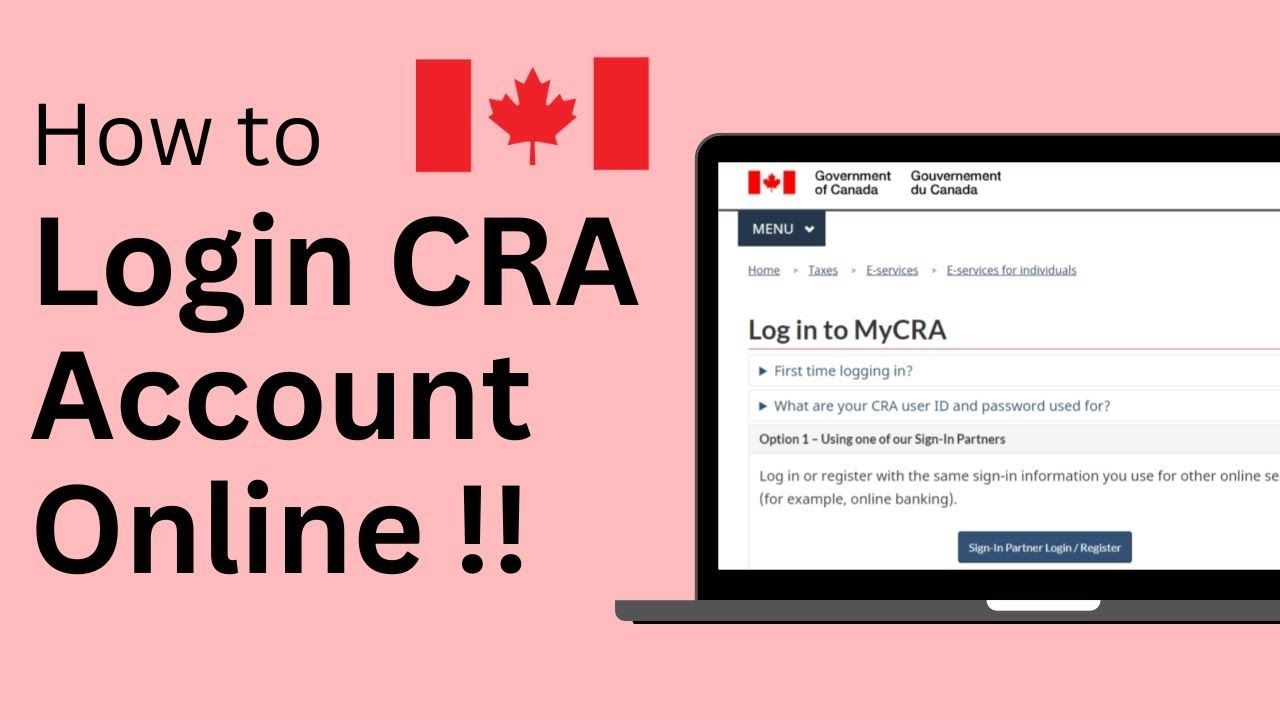
The CRA offers three primary ways to register for and subsequently access your My Account. The first option is to use a Sign-in Partner, which are trusted organizations like your financial institution. You log in or register using the same credentials you use for that partner's online services, such as online banking. The second option is to create a dedicated CRA user ID and password specifically for the agency's portal. The third method is available only to residents of British Columbia, who can use their BC Services Card to log in. Your choice between a Sign-in Partner and a CRA user ID is personal and depends on which credentials you prefer to manage. Both methods lead to the same secure portal and full suite of services. It is important to note that you must use a modern web browser that supports the latest security standards to access CRA online services.
Step-by-Step Registration Process
The registration process follows a clear sequence of steps that are consistent regardless of your chosen sign-in method. First, you go to the CRA My Account for Individuals page on the Canada.ca website. You then click the CRA register button to begin. You will be prompted to enter your Social Insurance Number and your date of birth. After clicking next, the system will ask you to enter an amount from a specific line of your most recent tax return. This is a critical security question. Once this information is validated, you will complete the setup for your chosen sign-in method, either linking to a Sign-in Partner or creating your CRA user ID and password. The CRA will then mail a security code to your address on file within ten business days. You must log back into your new account and enter this code when prompted to fully activate your My Account and access all services.
The key steps in the registration process are to gather your required documents, including your Social Insurance Number and date of birth. You must also have filed a tax return for the current or a previous year to be eligible. You then choose to register using a Sign-in Partner or by creating a CRA user ID and password. During registration, you will need to enter an amount from a specific line of your most recent tax return for security purposes. After registering online, you will receive a security code by mail within ten business days to complete the activation of your account.
- Gather your SIN, date of birth, and most recent tax return.
- Go to the CRA My Account for Individuals registration page.
- Enter your SIN and date of birth.
- Enter a requested amount from a line on your tax return.
- Choose and set up your sign-in method (Sign-in Partner or CRA user ID).
- Await the security code letter by mail.
- Log in to your new account and enter the security code to activate it.
Remember that the security code has an expiry date, so you must enter it promptly after receiving the letter. Failure to do so will require you to request a new code. The CRA's Auto-fill My Return service, which automatically completes parts of your tax return with CRA data, is only available once your account is fully activated. If you are preparing a return with a spouse, they must sign into their own separate CRA My Account to use this service.
Security Measures and Multi-Factor Authentication
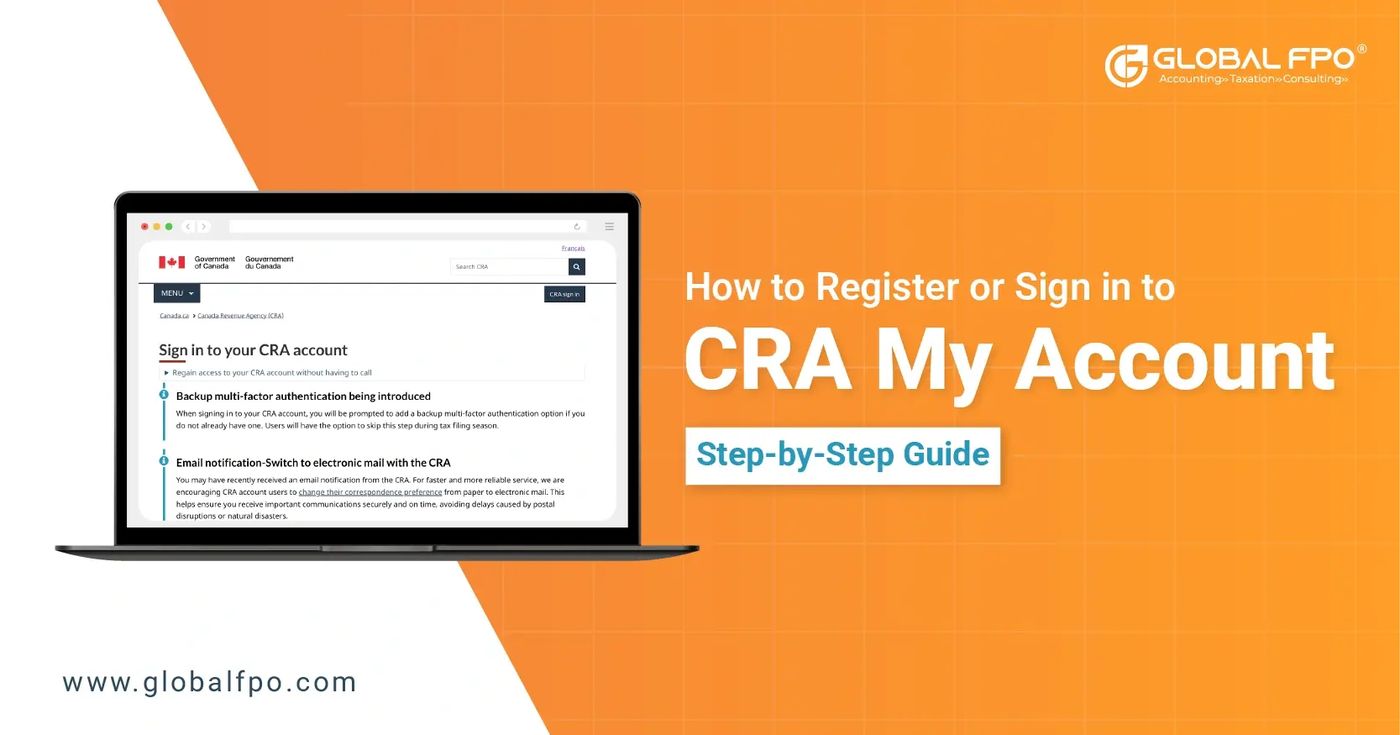
The CRA has implemented robust security measures to protect taxpayer information. A fundamental layer is the requirement for a mailed security code to finalize account activation. Furthermore, multi-factor authentication is now a mandatory security feature for all accounts accessed with a CRA user ID and password. This requirement took effect on October 18, 2021. Multi-factor authentication adds an extra step to the login process beyond just a username and password. When setting it up, you must choose one of two verification methods. The first method is telephone verification, where you receive a one-time passcode via text message or an automated phone call. The second method is a passcode grid, which involves generating a unique grid of codes that you must save or print for future logins. This added layer helps prevent unauthorized access even if your login credentials are compromised. To set up multi-factor authentication, you log into your CRA My Account, find the Security settings at the bottom right of the page, and click Continue to security settings. You will see a pop-up explaining the enrollment process and must select a checkbox confirming you have read the information before clicking Next to choose your preferred MFA type.
Common Registration Issues and Solutions
Several common issues can arise during or after the CRA registration process. A frequent problem is forgetting your login credentials. If you used a Sign-in Partner and forgot that username or password, you must contact the partner organization directly to recover them. If you forgot your CRA user ID, you can recover it by providing your SIN, date of birth, and the amount from a specific line on your tax return, and then correctly answering your security questions. For a forgotten CRA password, you can click the 'Forgot your password' link on the login page and follow the instructions, which involve answering your security questions. Another issue is uncertainty about whether you already have an account. You can attempt to log in with a Sign-in Partner or try to recover a CRA user ID. If these attempts fail, you likely need to register anew. It is also crucial to update your direct deposit information directly in My Account before filing your return, as you cannot start, stop, or update it through the NETFILE service. If you are not sure you have an account and cannot access it through a Sign-in Partner, you should try to recover your CRA user ID. If that fails, you will need to register for My Account again.
Services Accessible Through My Account
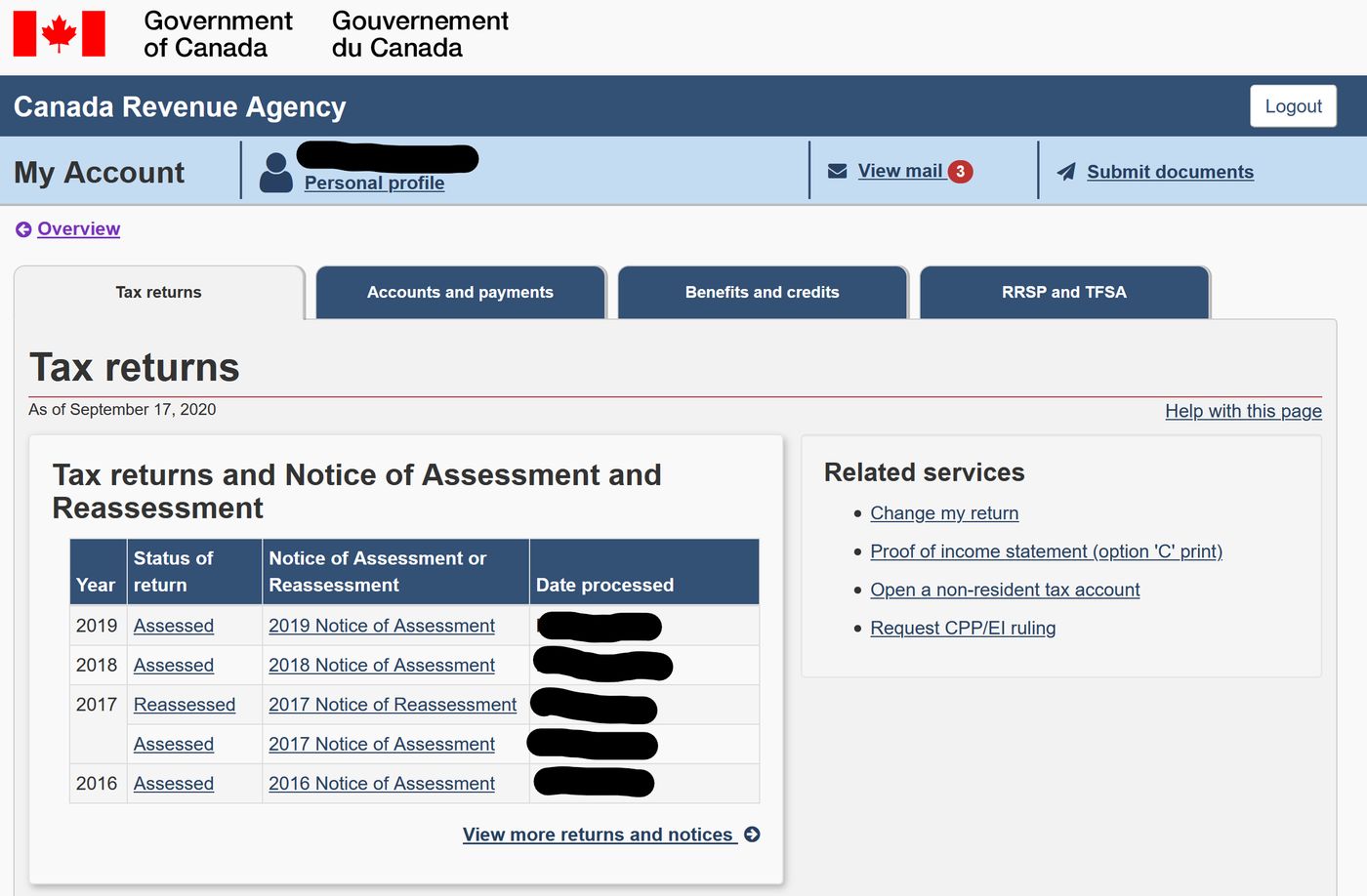
Once your CRA My Account is fully activated, you gain access to a wide array of online services. You can view your personal income tax and benefit information, including notices of assessment and reassessment. The portal allows you to manage tax affairs such as making payments, arranging payment plans, and disputing assessments. A highly useful feature is the Auto-fill My Return service, which permits certified tax software to automatically populate parts of your return with data the CRA has on file. You can also view and update your marital status, address, and direct deposit information for benefit payments. The service provides access to benefit information like the Canada Child Benefit and GST/HST credit statements. For business owners, separate portals like My Business Account exist, but individuals can manage sole proprietor activities through their personal My Account for certain programs. The CRA website notes that this is not a complete list of services, and users should refer to the CRA website for a full list of what can be accessed with My Account.
Registration for Business and Represent a Client
Registration with the CRA extends beyond individual tax accounts. Businesses must register for a Business Number and CRA program accounts, which can often be done online through a business owner's CRA account. The process involves gathering business information and signing into the CRA account to access the business registration services. The CRA outlines a three-step process for business registration: gather your information, sign in to your CRA account, and then on the Welcome page of your account, select the option to register your business. Furthermore, the CRA offers a Represent a Client service for authorized representatives, such as accountants or family members, to access someone else's tax information. To use this service, the representative must register separately and be formally authorized by the taxpayer. This involves a different registration process where the representative links their own CRA login to the taxpayer's account using authorization forms and codes. Both business and representative registrations underscore the CRA's structured approach to providing secure online access for different needs. The business registration page is specifically titled 'Business number and CRA program accounts' on the CRA website.
Detailed Multi-Factor Authentication Setup
Setting up multi-factor authentication is a detailed process that requires specific steps to be followed correctly. After logging into your CRA My Account with your user ID and password or via your sign-in partner, you must scroll to the bottom right of the page to locate the Security settings. Clicking 'Continue to security settings' initiates the MFA enrollment. If it is your first time setting up MFA, you will see a pop-up window explaining the enrollment process. You must select the checkbox confirming that you have read the information and then click Next to proceed. The next screen presents the choice between setting up MFA by telephone or by passcode grid. If you choose telephone verification, you will need to enter the type of phone you are using, such as an iPhone 10, and then verify your phone number with a one-time code sent to you by the CRA. If you choose the passcode grid method, you will need to generate a grid and either save a digital copy to your computer or print a physical copy for your records. The CRA website states that for more information on MFA, you should visit their official website, as these steps are a summary of the full procedure.
Post-Registration Account Management
After your CRA My Account is active, managing your profile and understanding its limitations is important. You can start, stop, or update your direct deposit information for benefit payments directly within the My Account service. It is important to note that you cannot start, stop, or update your direct deposit when you NETFILE your tax return with the CRA. You must update your direct deposit details with them before you file your return. Otherwise, the CRA will use the information they already have on file. To update direct deposit, you log in to the My Account service, arrive at the Home page, and then follow the specific steps outlined within the portal. The service also allows you to view correspondence, check the status of your tax return, and manage authorized representatives. If you need to authorize someone to act on your behalf, such as through the Represent a Client service, you can initiate that process from within your My Account. Keeping your address and contact information current in My Account ensures you receive important mailings, including the initial security code and any future correspondence. The CRA sign-in services page for individuals is called e-Services Individuals and is found on the Canada.ca website.
Frequently asked questions
What do I need to register for a CRA account?
You need your Social Insurance Number, your date of birth, and a copy of your most recent tax return. The CRA will ask you to enter a specific amount from a line on that return to verify your identity. You must have filed a tax return for the current or a previous year to be eligible for registration. Before you begin, gather these documents. You can register using a Sign-in Partner like your bank or by creating a CRA user ID and password.
How long does it take to get the CRA security code?
The CRA security code is mailed to your address on file and typically arrives within ten business days. You must log back into your account and enter this code to fully activate it. This security code has an expiry date, so you must follow the instructions in the letter before it expires. Once the code is entered, you will have access to all services offered by My Account.
What is a CRA Sign-in Partner?
A CRA Sign-in Partner is a trusted organization such as your bank. It allows you to use your existing online login credentials to access CRA services instead of creating a separate CRA user ID. This means you can log in with the same sign in information you use for other online services like online banking. It is one of three ways to access My Account, alongside using a CRA user ID or a BC Services Card.
Is multi-factor authentication mandatory for CRA accounts?
Yes, multi factor authentication is mandatory for accounts accessed with a CRA user ID and password as of October 18, 2021. It is an extra security measure that requires verifying your identity through a second method after entering your user ID and password. This second method can be entering a one time passcode sent to your telephone or using a saved passcode grid. You must set this up to access your CRA My Account.
Can I register if I have never filed a tax return?
No, you cannot register for a CRA My Account if you have never filed an income tax return. A core eligibility requirement is having filed a tax return for the current year or a previous year. You must file a tax return first to create a record with the CRA. After you have filed, you can proceed with the registration process using your tax return details for identity verification.
Sources and further reading
- What is the CRA My Account and how do I register for it? support.hrblock.ca
- How to register for CRA individual account bbpa.org
This article explains how things work and is not financial, tax or legal advice. Rules, limits and rates change, so check the current figures with the Canada Revenue Agency, your province or your financial institution before you act.